 EN
EN


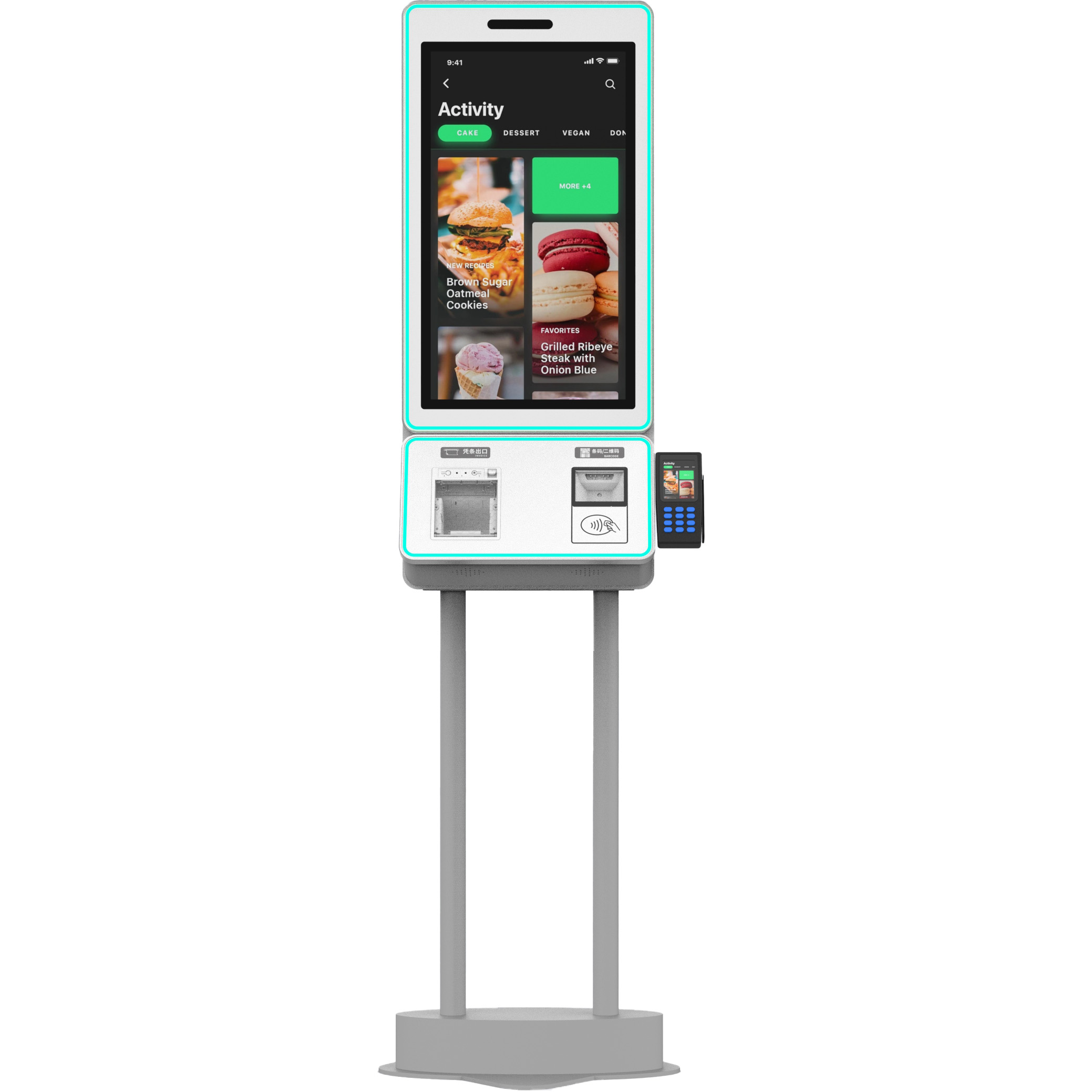
Selecting a partner from the vast pool of kiosk manufacturers is a decision that extends far beyond a simple hardware purchase. In the self-service industry, the manufacturer is responsible for the physical manifestation of your digital brand. A poor choice can lead to high maintenance costs, poor user adoption, and security vulnerabilities.
Based on years of industrial design experience and large-scale deployments at Kiosk Solutions, here is the definitive guide on the critical criteria you must evaluate to identify a truly professional manufacturing partner.
-
Proven Engineering and Prototyping Capabilities
A professional manufacturer should be more than a high-volume assembly line; they must be a specialized engineering firm. When vetting kiosk manufacturers, look for their ability to handle the "Idea-to-Industrialization" process.
-
CAD and 3D Modeling: Does the manufacturer provide detailed CAD drawings and thermal simulations before cutting metal? Professional firms use software to predict how heat from the monitor and PC will flow through the enclosure.
-
Rapid Prototyping: Can they produce a "First Article" or prototype within a reasonable timeframe? This stage is vital for testing the physical ergonomics and ensuring all peripherals (printers, scanners, card readers) fit perfectly.
-
Thermal Management: Look for sophisticated cooling solutions. Professional kiosks aren't just vented; they use directed airflow and industrial-grade fans to ensure internal components don't exceed their operating temperature thresholds, which is the #1 cause of hardware failure.
-
Strict Adherence to Accessibility Standards (ADA)
In many regions, accessibility isn't just a "nice-to-have" feature; it is a legal requirement. Professional kiosk manufacturers have a deep understanding of the Americans with Disabilities Act (ADA) and similar international standards.
-
Reach Ranges: The manufacturer must ensure that all interactive elements (touchscreens, card slots, braille labels) are within the legal reach heights for individuals in wheelchairs.
-
User Interface (UI) Synergy: A professional partner will advise you on how the physical hardware affects the digital accessibility, such as the angle of the screen to reduce glare for users at different heights.
-
Component Lifecycle and Sourcing Strategy
One of the biggest risks in the kiosk industry is "Component Churn." If a manufacturer uses consumer-grade parts, those parts may become obsolete in six months, making it impossible to maintain a consistent fleet.
-
Industrial-Grade Parts: Ensure the manufacturer sources "Long-Life" components. Industrial PCs and monitors typically have a 5-to-7-year availability window.
-
Peripheral Validation: A reliable manufacturer maintains a "Validated Hardware List." They should have already tested specific models of thermal printers and EMV payment terminals to ensure they are reliable and easy to service.
-
Software Integration and "Hardening" Services
Hardware is useless without a secure environment to run your application. The best kiosk manufacturers bridge the gap between the metal box and the software code.
-
OS Imaging: They should offer services to load your custom OS image, configure BIOS settings (like "Auto-On" after power loss), and remove "bloatware."
-
Remote Management Readiness: Professional manufacturers pre-configure units for remote monitoring. This allows you to track the "heartbeat" of the kiosk—checking fan speeds, CPU temperatures, and printer paper levels from your central office.
-
Quality Assurance and Certification (Trustworthiness)
A manufacturer's facility and processes should be transparent and certified by third-party authorities.
-
ISO Certification: Look for ISO 9001:2015 certification, which proves the manufacturer has a consistent quality management system in place.
-
Safety Markings: Professional kiosks should carry UL, CE, or FCC markings. These certifications are often required by insurance companies and property owners (like malls or airports) before a unit can be plugged in.
-
The "Burn-In" Test: Ask about their testing protocol. Professional firms perform a 24-to-48-hour "burn-in" where the unit is run at full capacity to catch any electronic failures before the kiosk is crated.
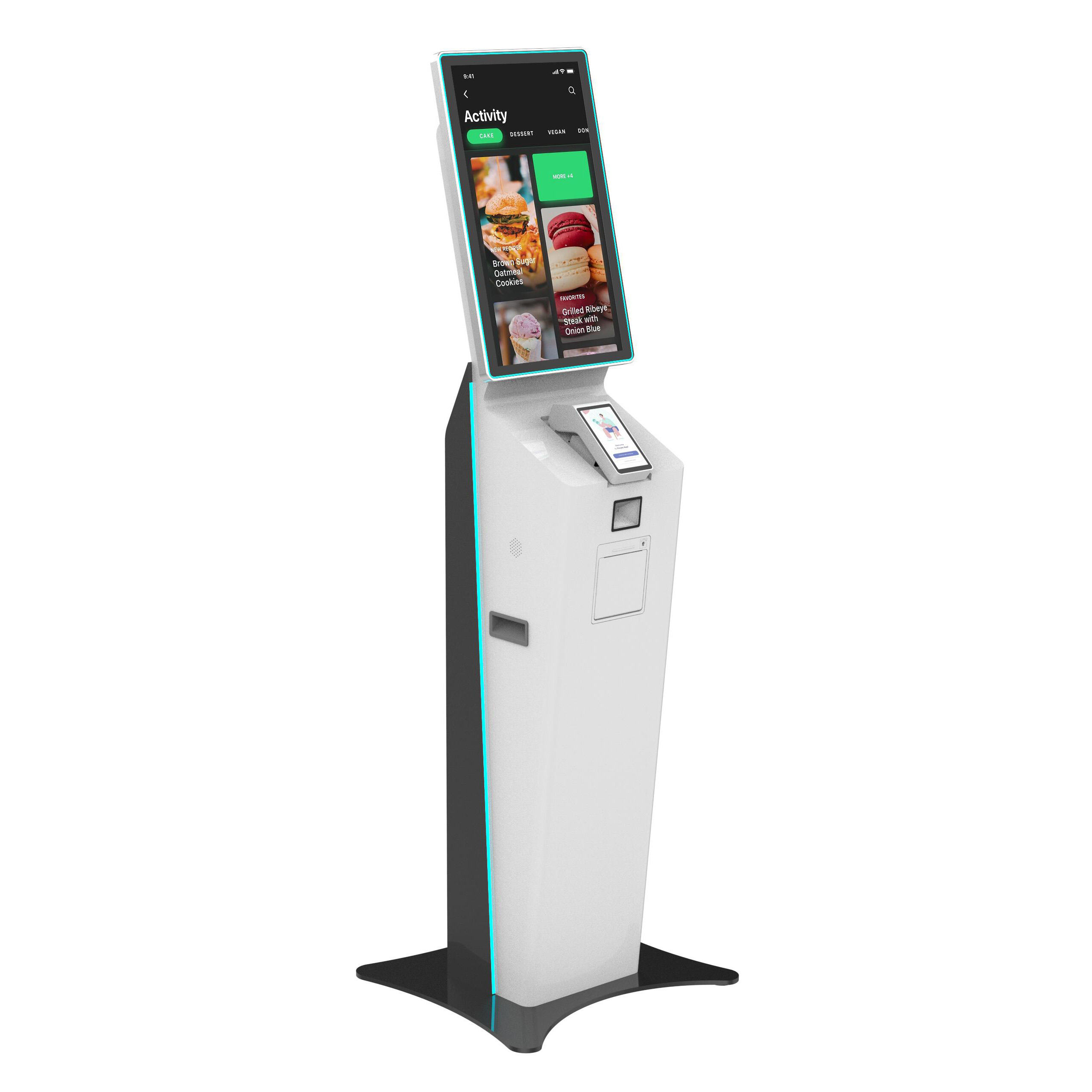
Final Verdict: Focus on Total Cost of Ownership (TCO)
The cheapest quote from kiosk manufacturers often leads to the highest long-term costs. A professional manufacturer saves you money by reducing field service calls, preventing overheating, and ensuring the hardware remains supported for years to come.